01 · CAMERA
Viewfinder.
The active style lives in a glass chip at the top of the frame. Tap to switch. The shutter glow uses the brand gradient; cyan indicates the AI engine is wired up and ready.
Open fullDrag the slider. Same friends, same moment, same smile. The light got better. The composition got tighter. Everyone got their picture taken twice without knowing.
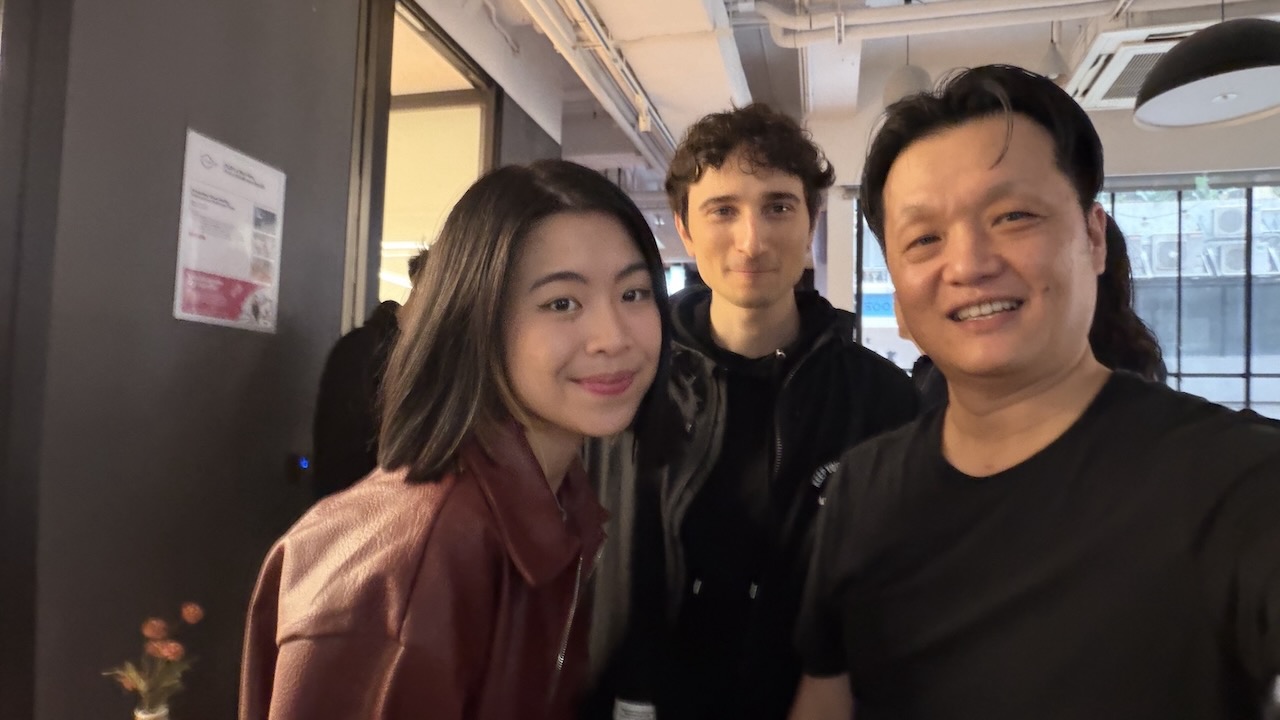
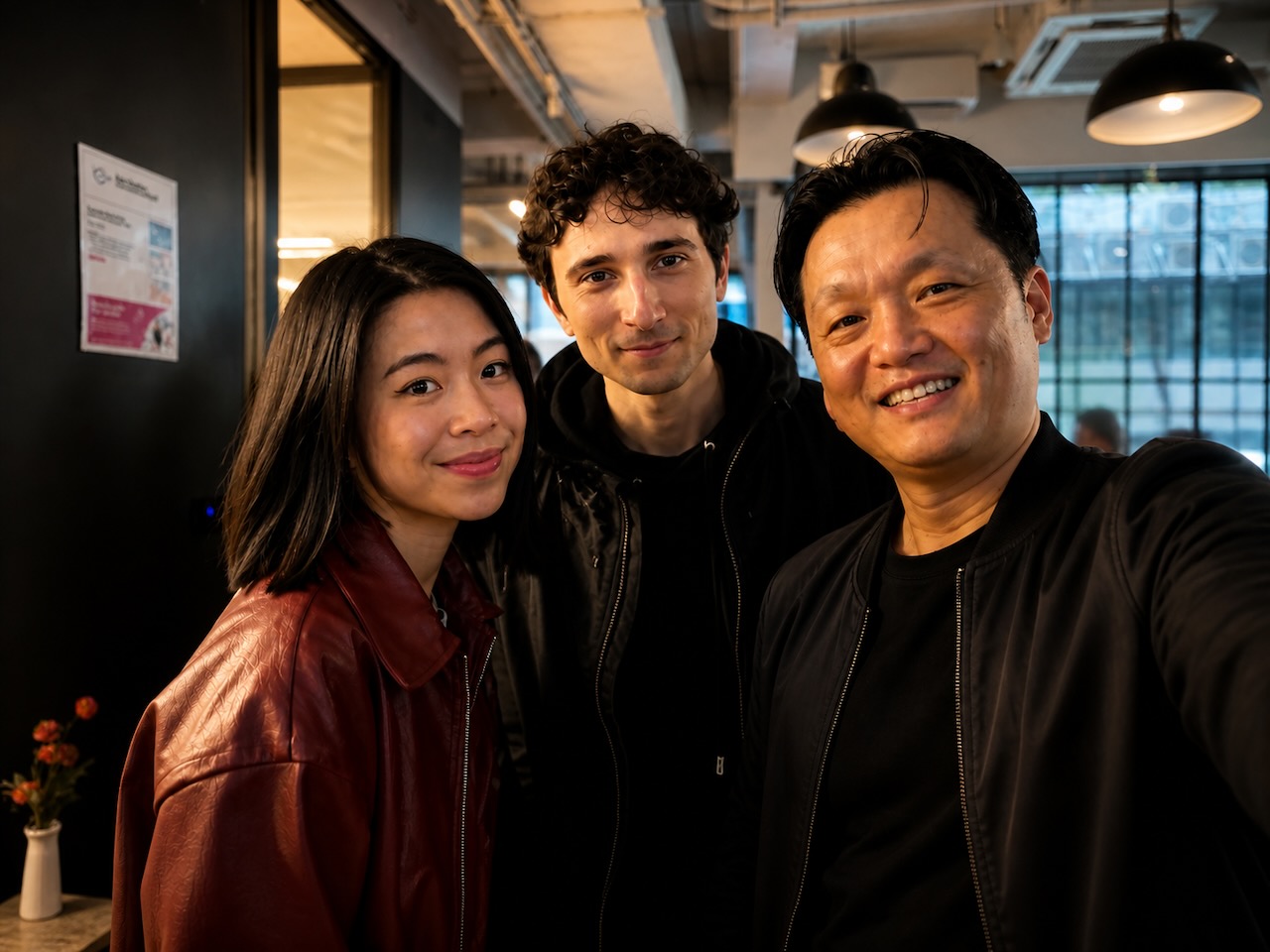
Every photograph a professional studio touches gets retouched. Magazine covers, wedding albums, your friend's Instagram. The retouching is invisible because it is slow, expensive, and gatekept.
AI image models broke the gate.
letmesee replaces the default camera app and runs every photo through a frontier image model the moment the shutter fires. The model uses a style — a markdown file describing a complete photographic intent — and returns a photograph that looks the way a studio would have made it look, sixty seconds later.
It feels like Apple's Photographic Styles. The chip lives at the top of the viewfinder, the active style is one tap away, switching styles is haptic and fast.
It is not a tone curve. The thing doing the work is a frontier image model: Gemini Nano Banana, gpt-image, a fine-tuned LoRA, anything that speaks images-in-images-out over an API.
The marketplace ships with eight bundled styles. The aggressive ones change clothes and rearrange people. The conservative ones remove a smudge.
The active style lives in a glass chip at the top of the frame. Tap to switch. The shutter glow uses the brand gradient; cyan indicates the AI engine is wired up and ready.
Open fullThis is the photo. No before/after, no decision dialog. The AI photo is just the photo. Hold to peek at the original; the ··· menu hides studio notes and a one-tap restyle for the curious.
An editor's pick at the top of the scroll, then the eight bundled styles. Aggressiveness pips on every card double as the user's trust contract — they say what they're opting into.
Open fullLong-scroll editorial profile of a single style. The six axes in plain text. Three before/after pairs across photo types. The literal prompt. The list of things it never does.
Open fullPaste a Gemini, OpenAI, or self-hosted key. Test connection. The Studio teaser at the bottom is the upgrade path — managed routing, on-device cleanup, hosted billing.
Open fullEvery shot tagged with the style that made it. Originals quietly archived underneath. Re-run an album with a different style in one tap — the studio re-does the day.
Open fullPick which styles live in your camera rotation, like iOS Photographic Styles. Drag to reorder. The viewfinder swipes between them; the volume buttons cycle through.
Open fullGuided style.md authoring in-app. Set the six axes, describe the look in plain English, the app assembles the spec-valid style.md and prompt. No markdown required.
Open fullAuthor a style.md, paste your own Gemini key (BYOM, same as the app), run it against a real photo, watch the actual before/after, export the file. It genuinely calls the model.
Open the editorSubmission, automated + human review against the trust contract, axis-honesty enforcement, versioning, hosting, moderation, the de-platform problem, and money. The "how it really works" doc.
Read the spec
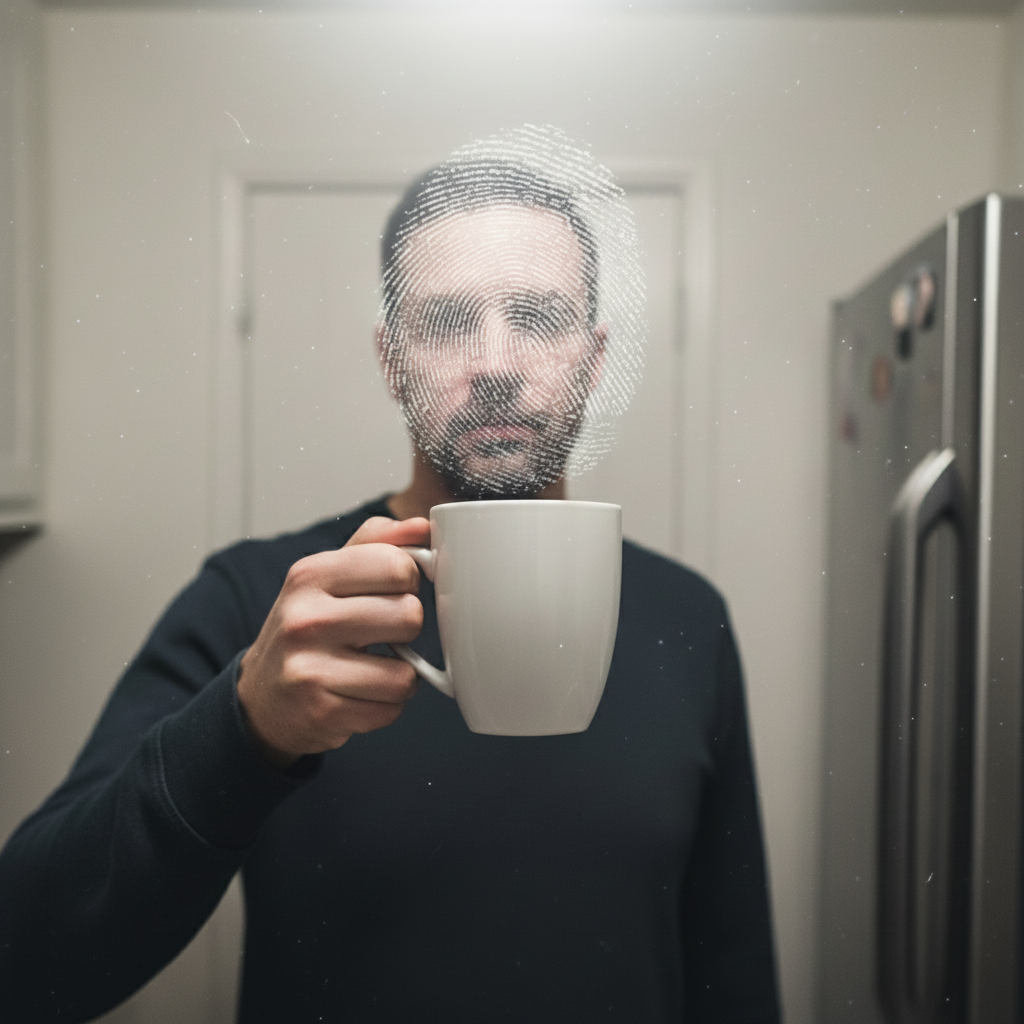
"What was there, but with a kind eye."
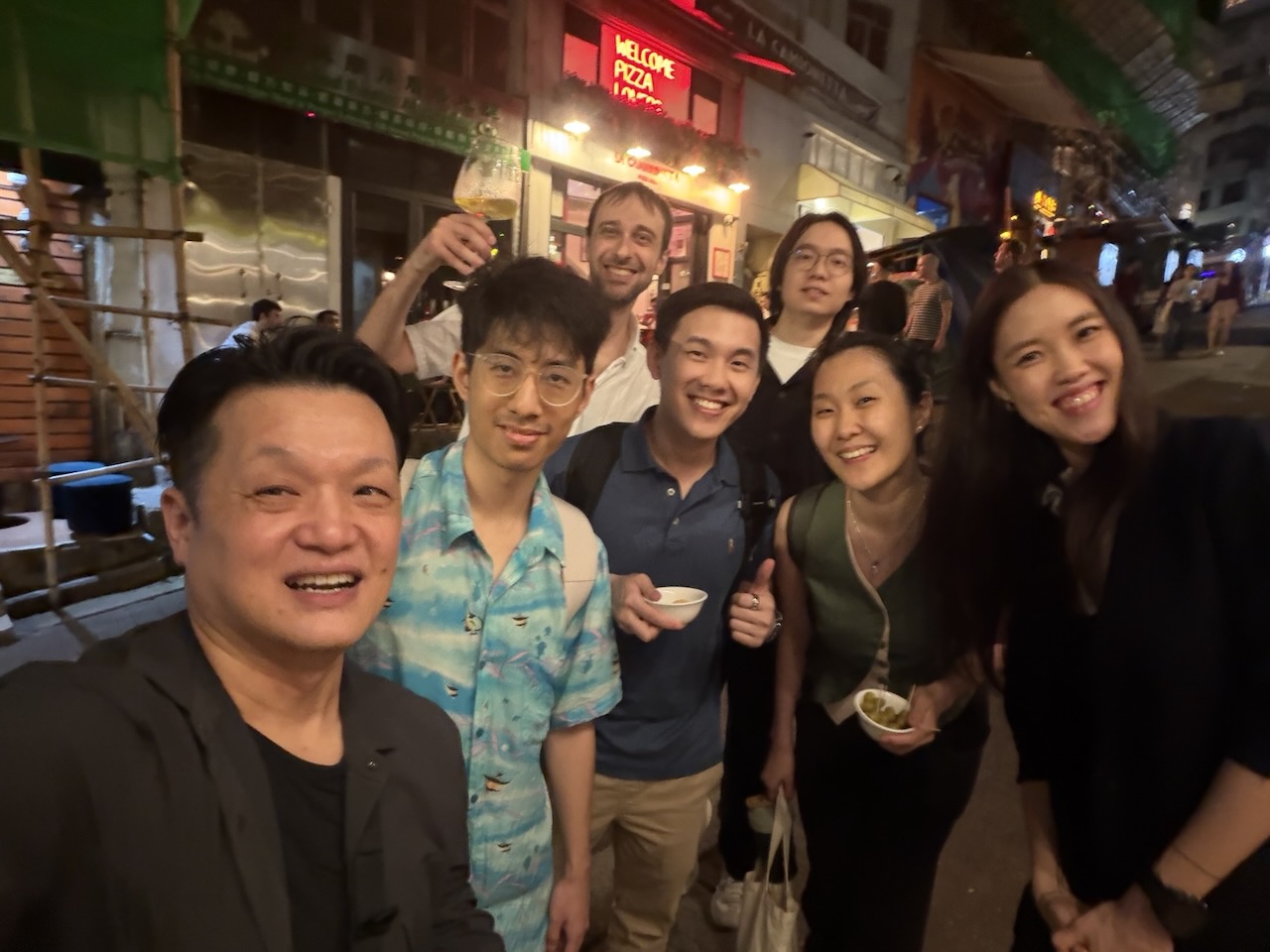
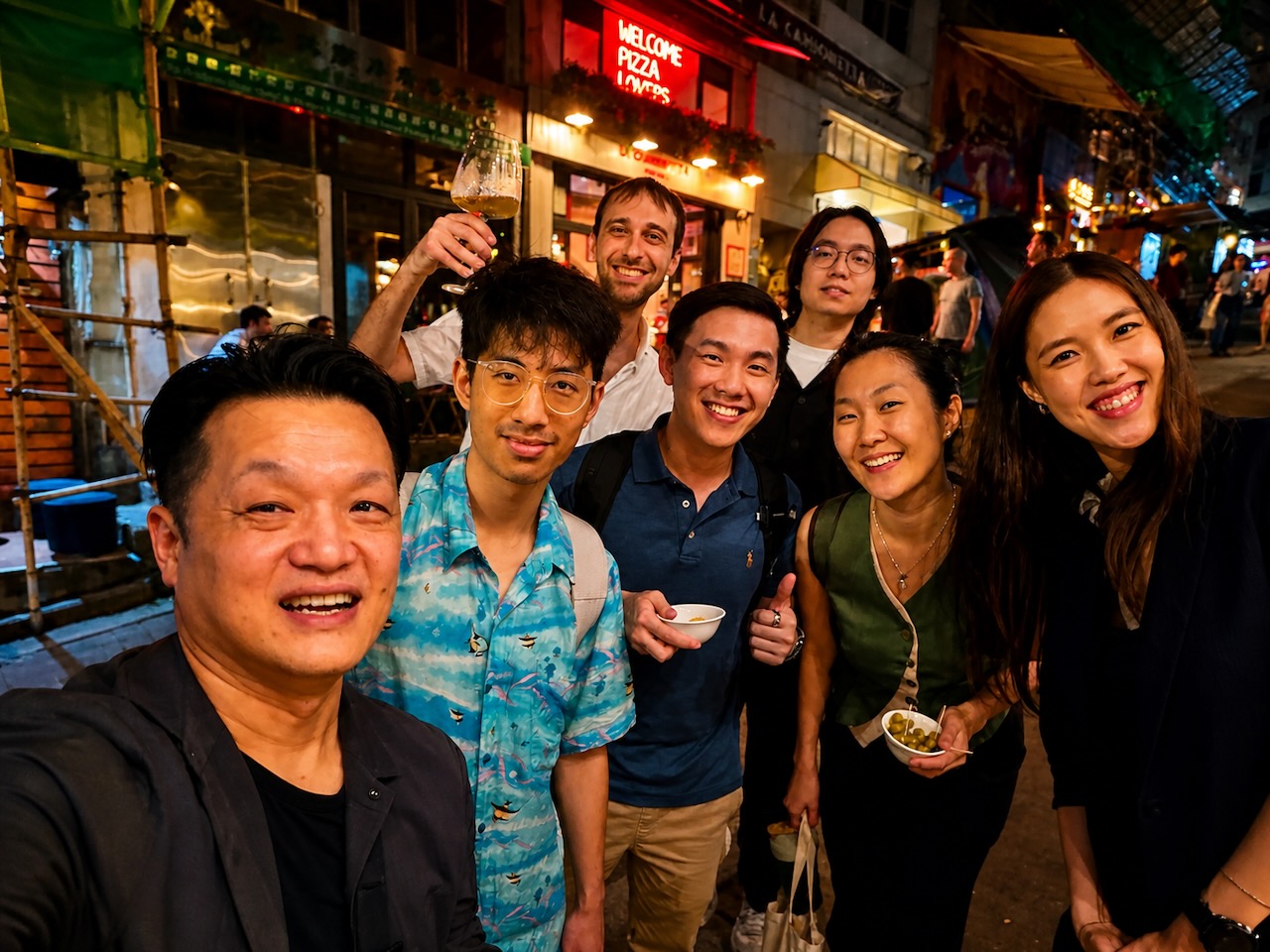
"Professional retouching, invisible hand."
"The cover-shoot polish."
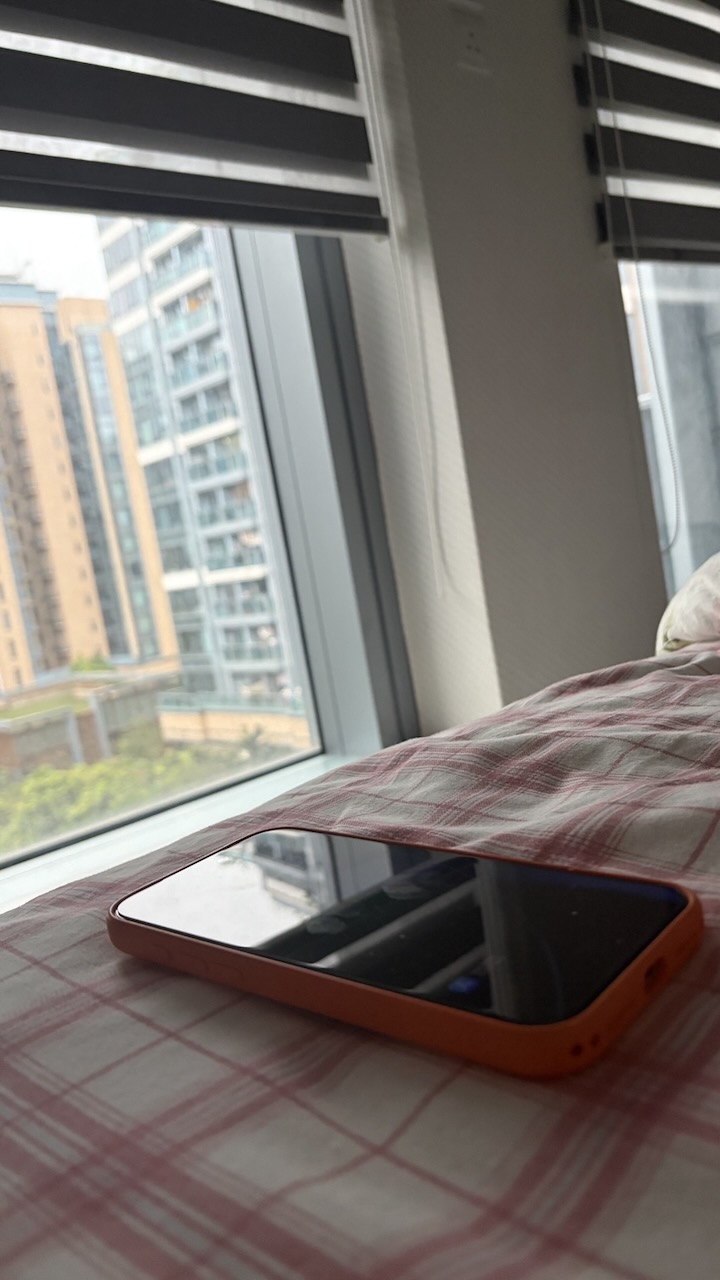
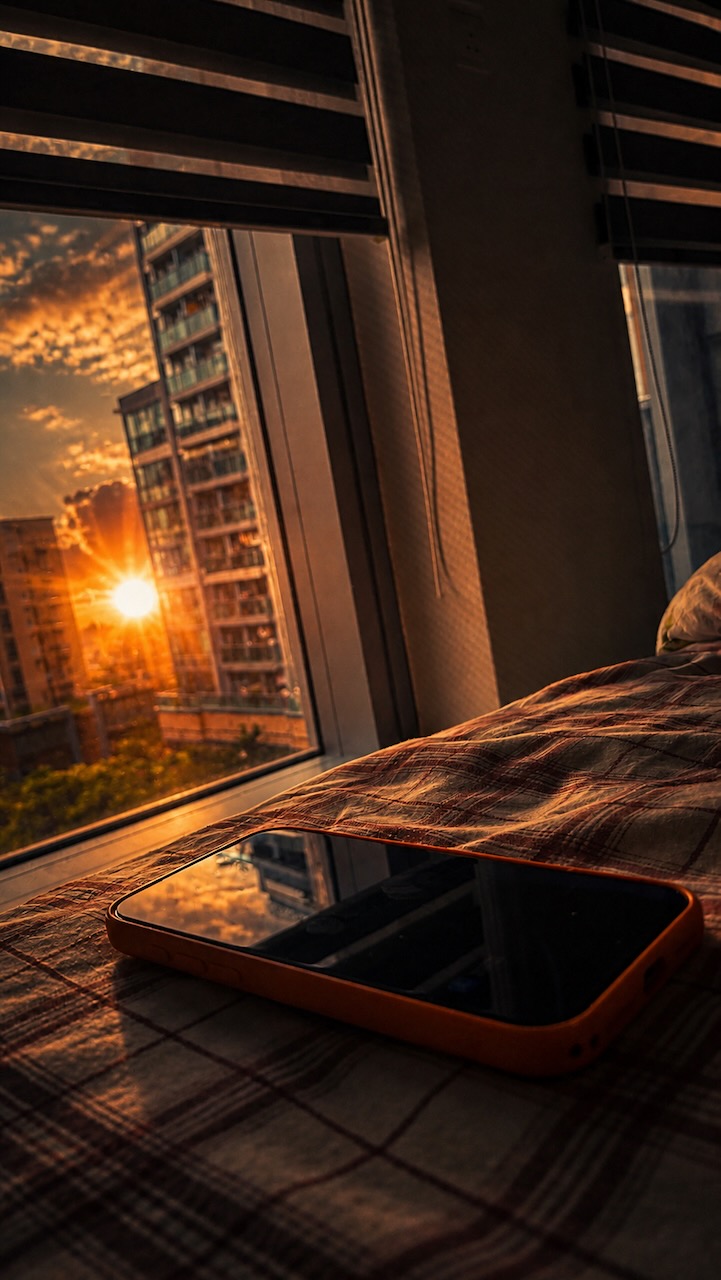
"Same moment, golden light."
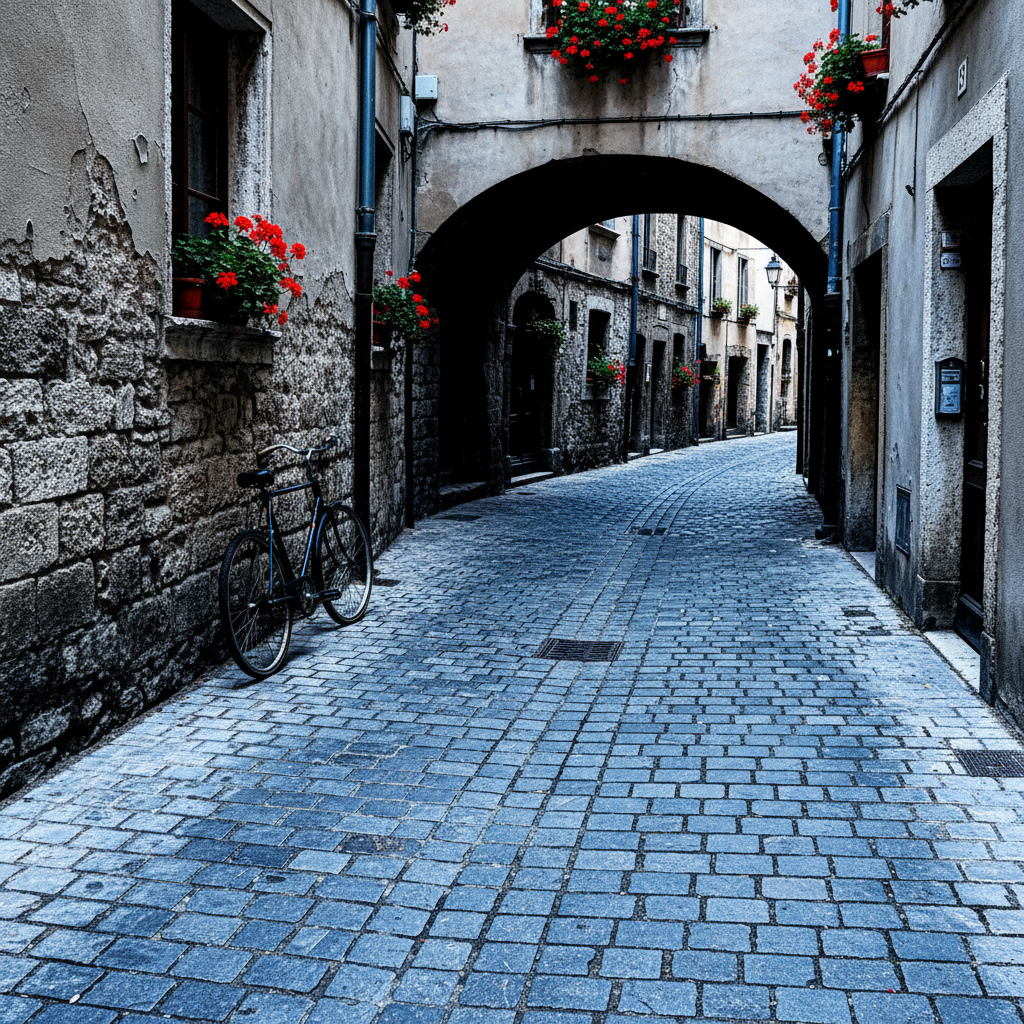
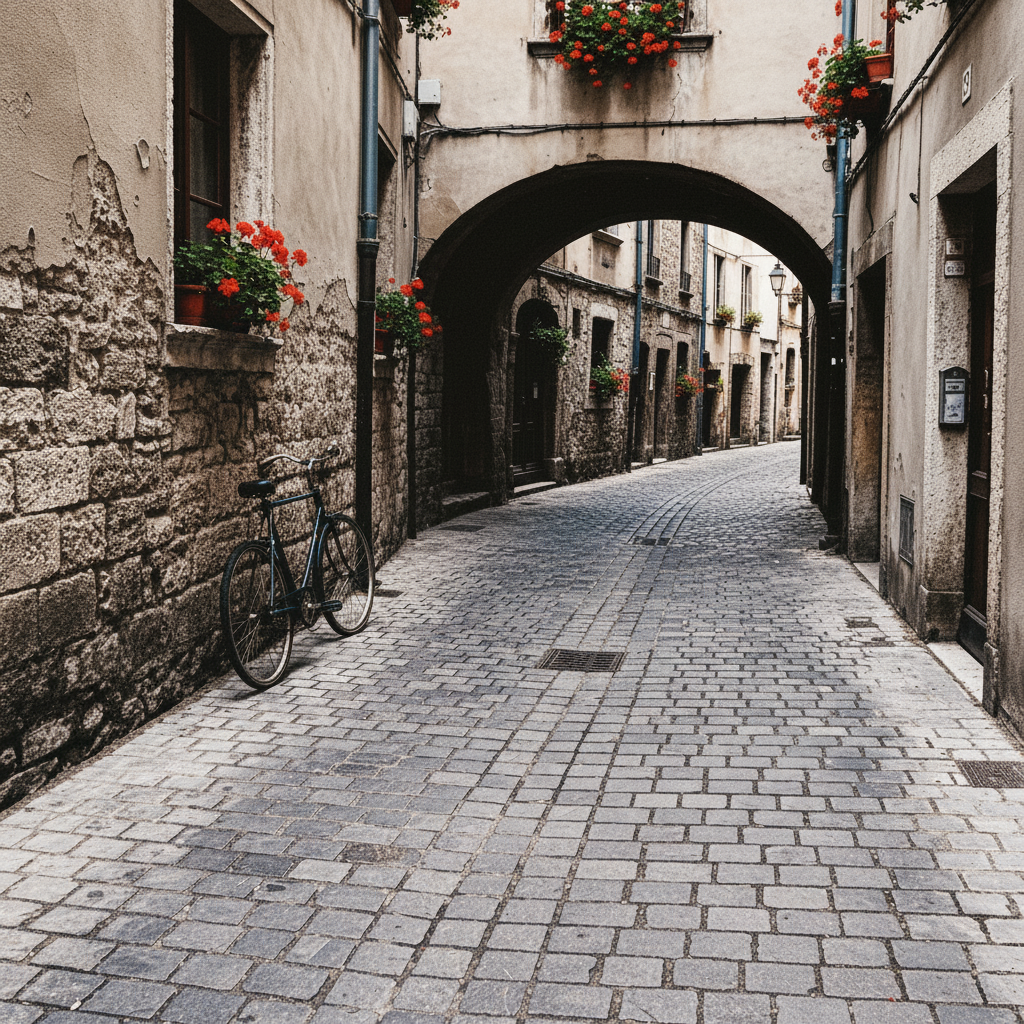
"Your photo, but on film."
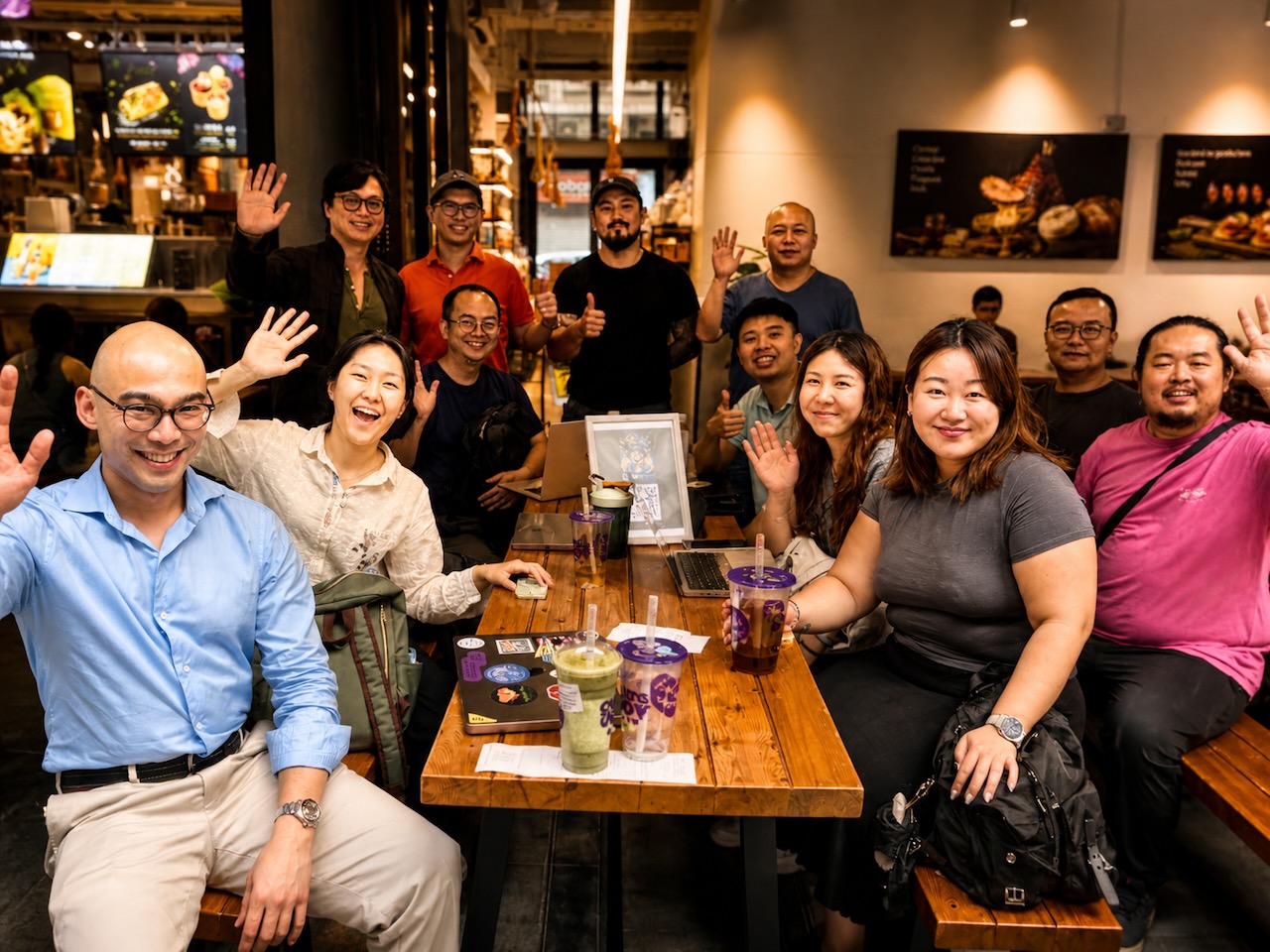
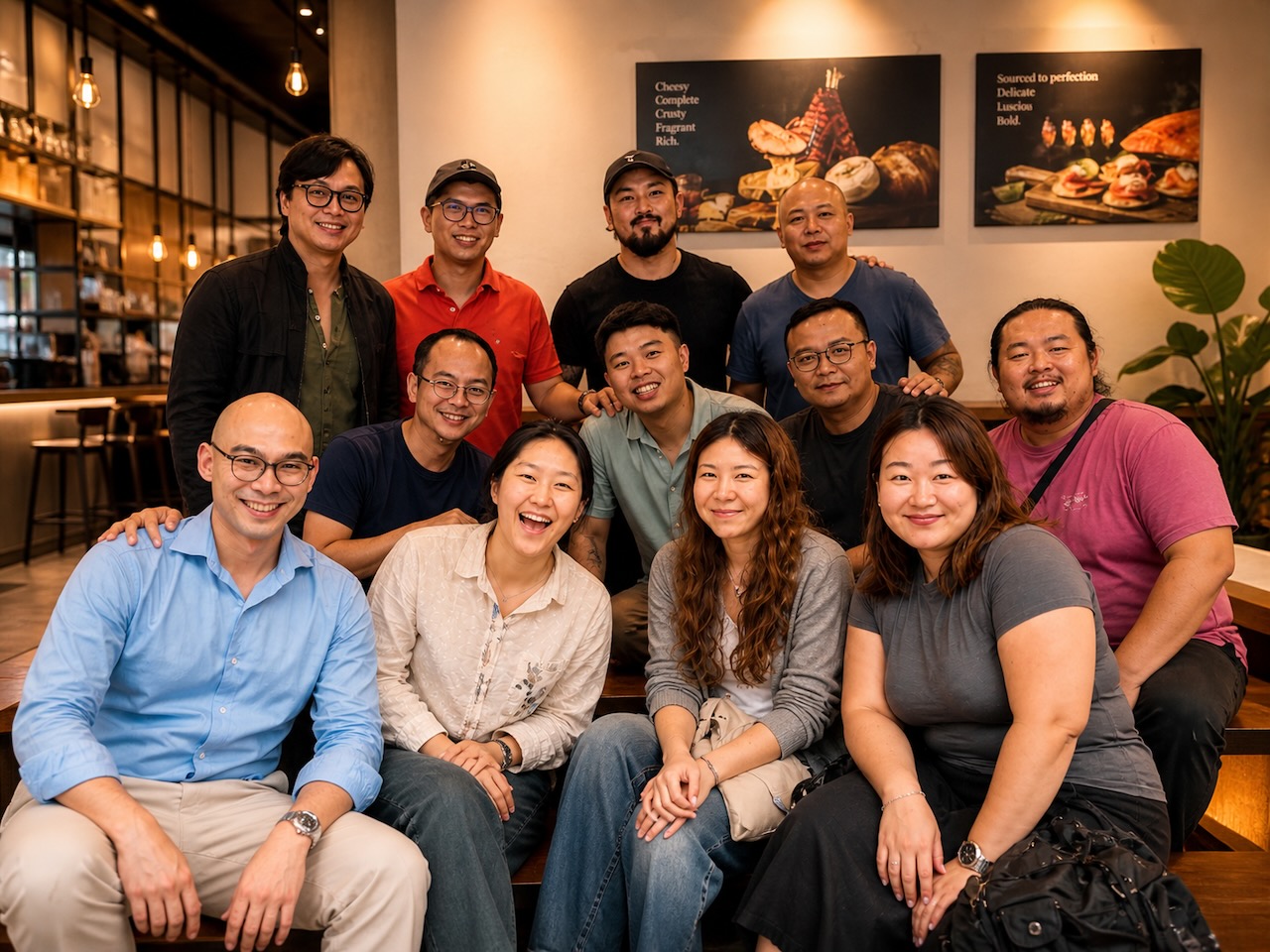
"Like a director called 'cut, again.'"
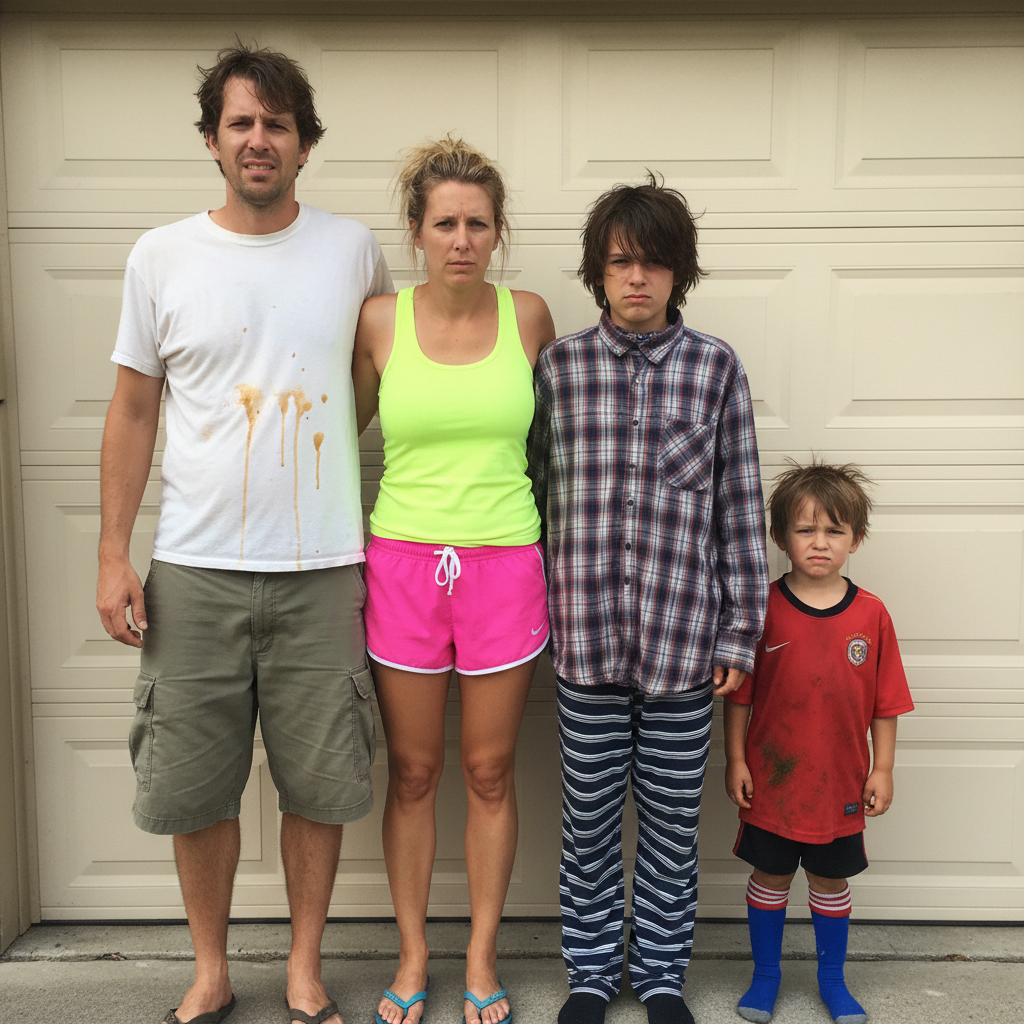
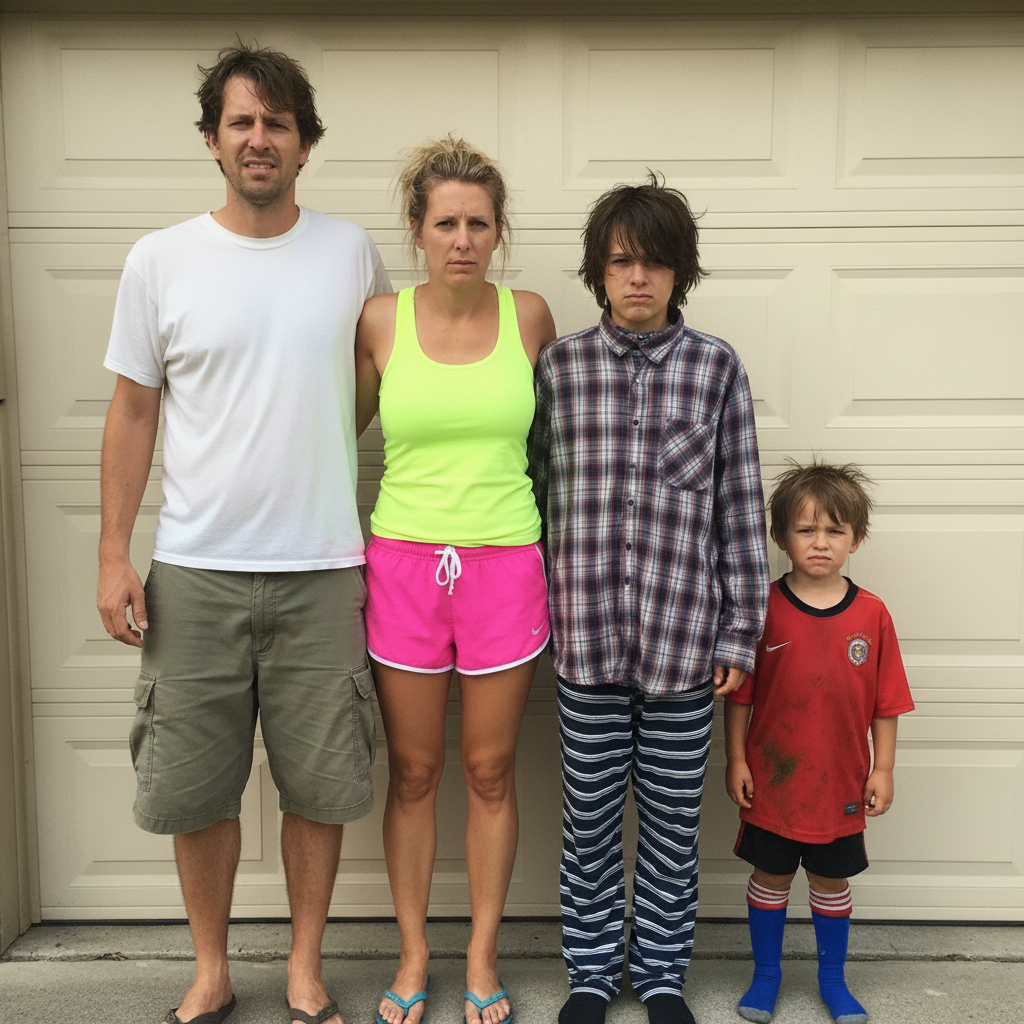
"What if everyone had a stylist."
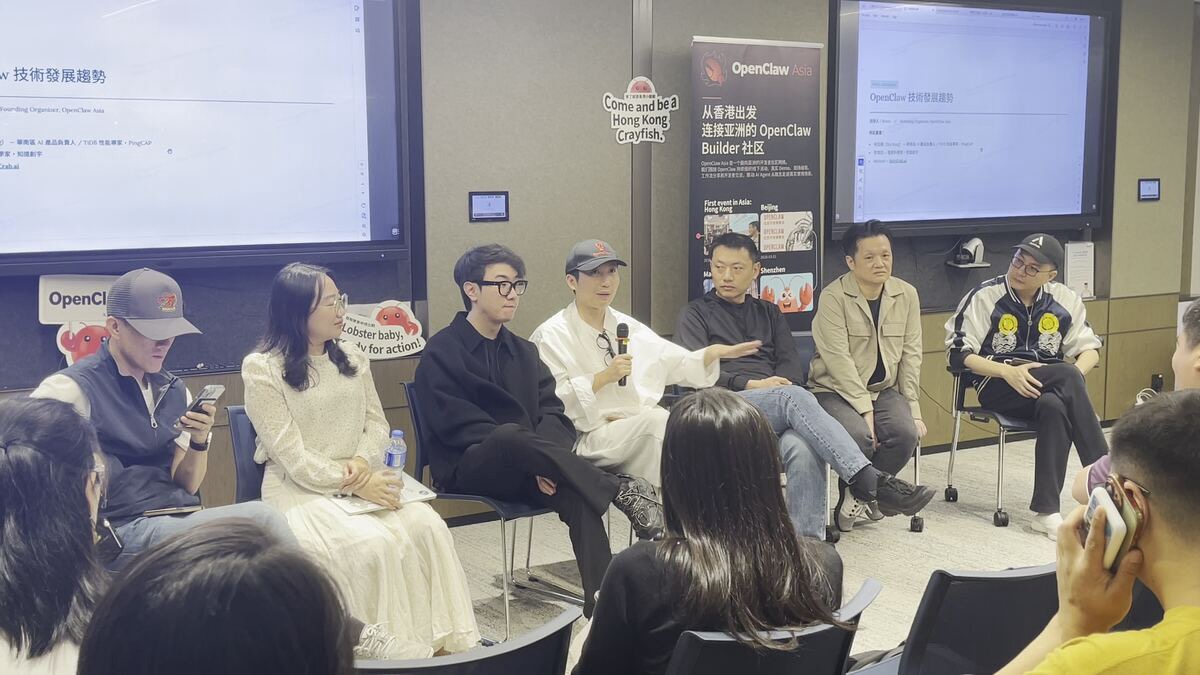

"Memory, but better than you remember."
Some users will be weirded out. Others will love it. Like Portrait Mode, like Live Photos, like Photographic Styles before us — they'll come around. We are designing for the people who already came around, and trusting that everyone else eventually joins them.